
e-TTN from AP Group: Launch of a Dedicated Landing Page
After launching AP Group’s e-TTN, it became clear that the market needed a single, convenient link to the service—one that’s easy to send to a team, partner, or carrier—and where the service’s structure is immediately apparent. That’s why we’ve compiled all the materials into a single format: a page with clear logic, interfaces, and instructions to get started. This simplifies getting acquainted with the product and speeds up the path to the demo.
We are pleased to announce that AP Group’s e-TTN solution is now available on a separate landing page. Our team at Agroprosperis Digital Solutions (AP Digitals) has moved the service to a standalone page to make familiarizing teams and partners with the product faster and more convenient.
The landing page was created as a practical “entry point” to the service: it brings together the product structure, role-based workflow logic, and materials that help users quickly get their bearings before getting started. The page format is suitable both for internal coordination within the company and for presentations to partners—when it’s important to have a single link where everything is clearly organized.
What exactly is on the landing page?
On this page, we’ve compiled the key sections you’ll most often need when setting up and getting started:
- a brief overview of the solution and the roles involved in the process
- how the service works: registry – statuses – signing
- visual examples of interfaces so you can immediately see how the system works
- separate instructions for users and drivers
- a form for inquiries and demo requests
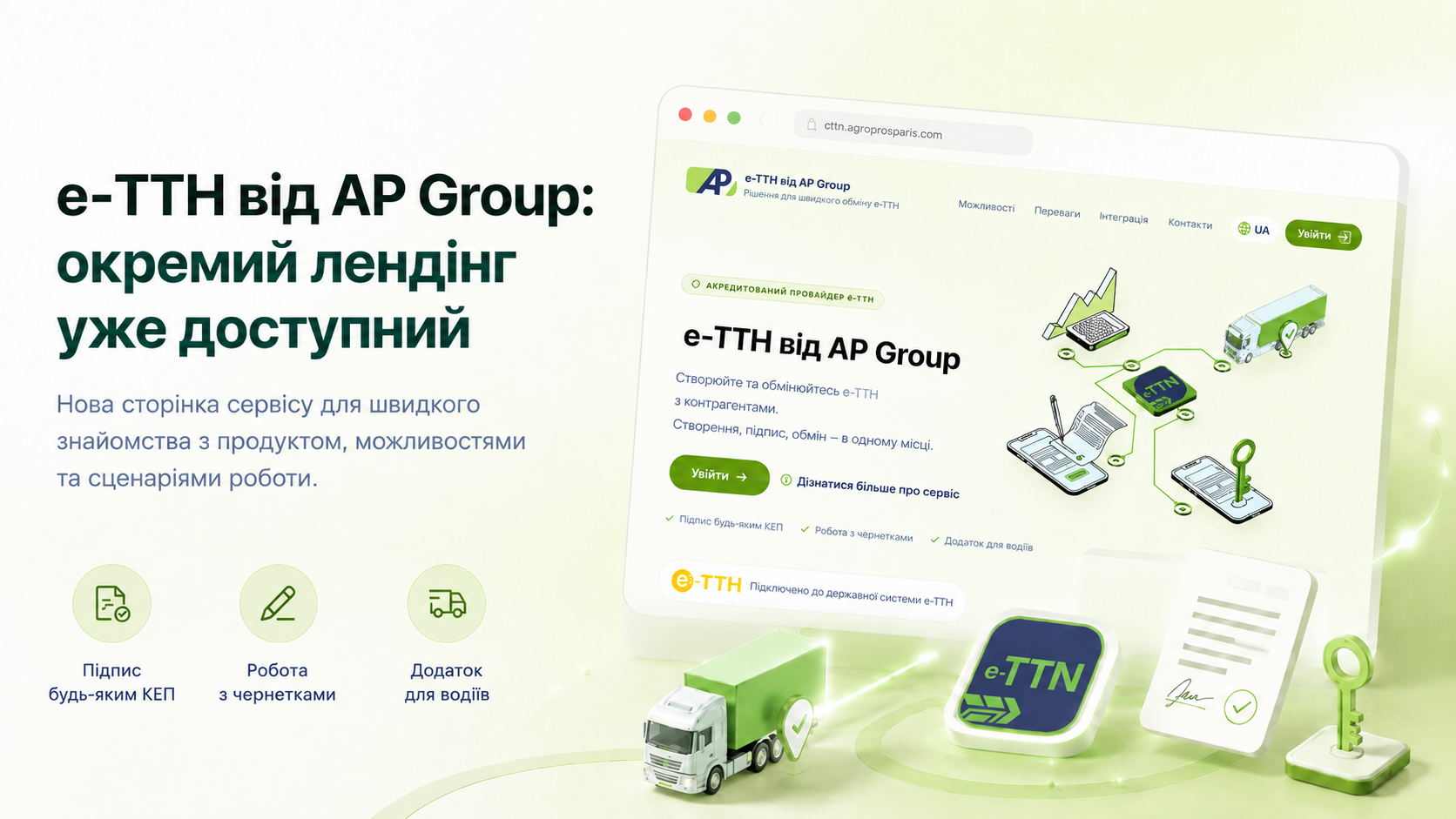
Where to view?
You can visit the landing page by clicking this link: https://ettn.agroprosperis.com/
If you’d like to request a demo or get advice on how to sign up, please submit a request on the landing page or on the e-TTN page on our website.